
Knowledge Base Update
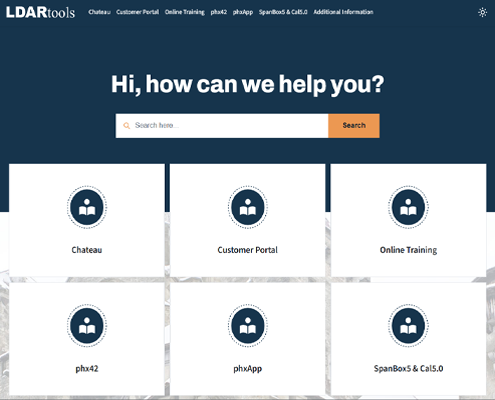
We’ve moved our Knowledge Base off of Zendesk and on to a new platform designed to make finding answers faster.
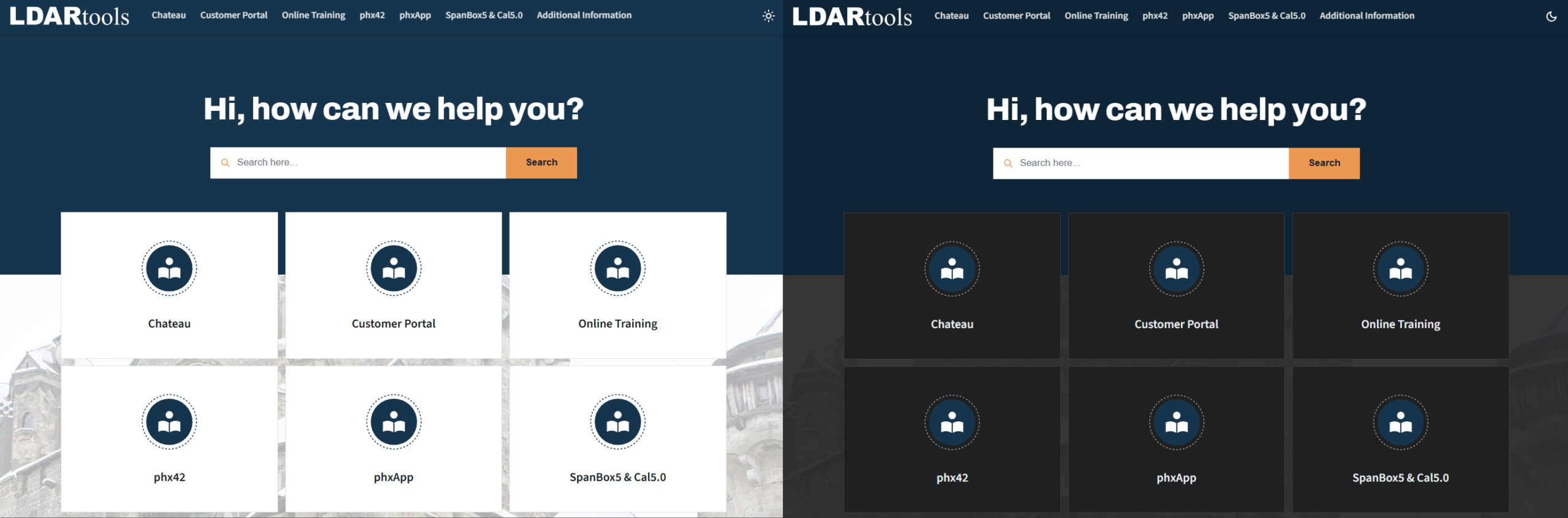
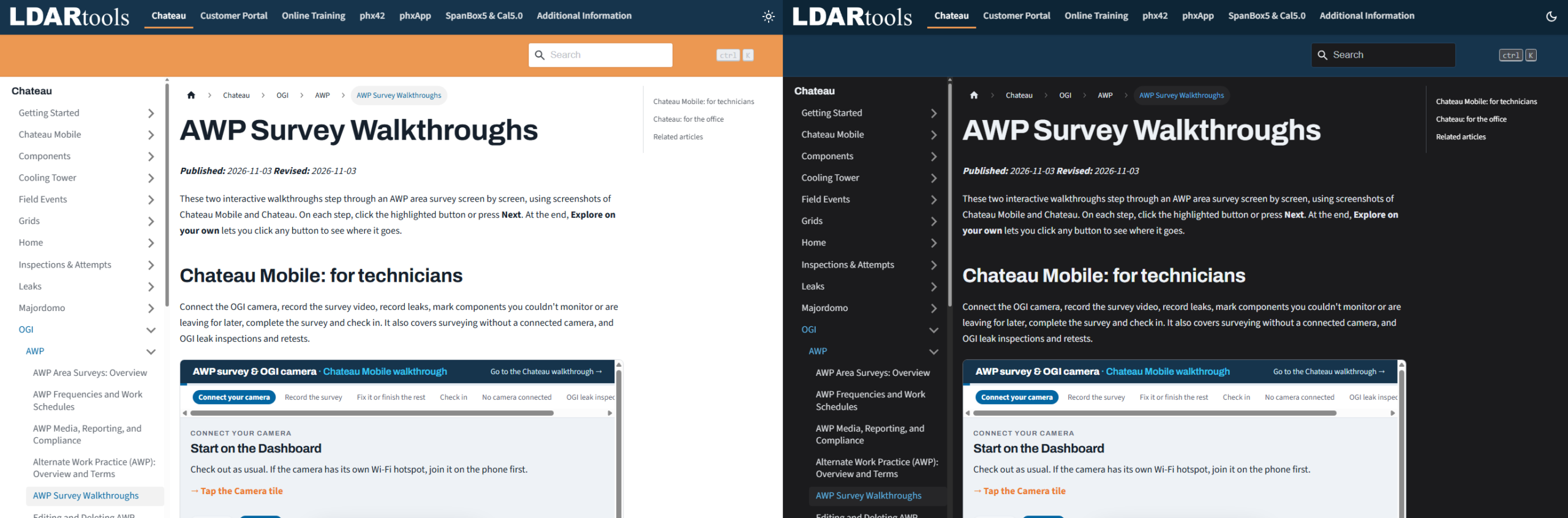
You’ll still find it at the same address, help.ldartools.com, and every article has made the move, along with any bookmarks or saved links to our old Help Center, which will automatically take you to the right page. You’ll notice a few improvements immediately: a product menu across the top of every page (Chateau, phx42, phxApp, SpanBox5 & Cal5.0, and more), a side menu for browsing every section within a product, search available from any page with results appearing as you type, and an optional dark mode. Articles are still organized by product and section, as before, with related articles listed at the end of each one.

While our Knowledge Base is no longer hosted in Zendesk, our software support process is. LDARtools software users will continue to submit and track support tickets through our Zendesk support portal, which now lives at a new address: support.ldartools.com. Sign in there with your existing Zendesk account to submit a new request or to view the status and history of your previous tickets. No account is needed to browse the Knowledge Base itself.
If you have any questions about the new Knowledge Base, or have trouble finding an article you’ve used before, our support team is happy to help. Simply submit a request at support.ldartools.com, and we’ll point you in the right direction.